How to install Python 3.14
Are you interested in using Python? If so, this guide is for you. Before we get into Python programming, it is necessary to install the proper software. The latest version of Python is Python 3.14.2. Here is how you can install it:
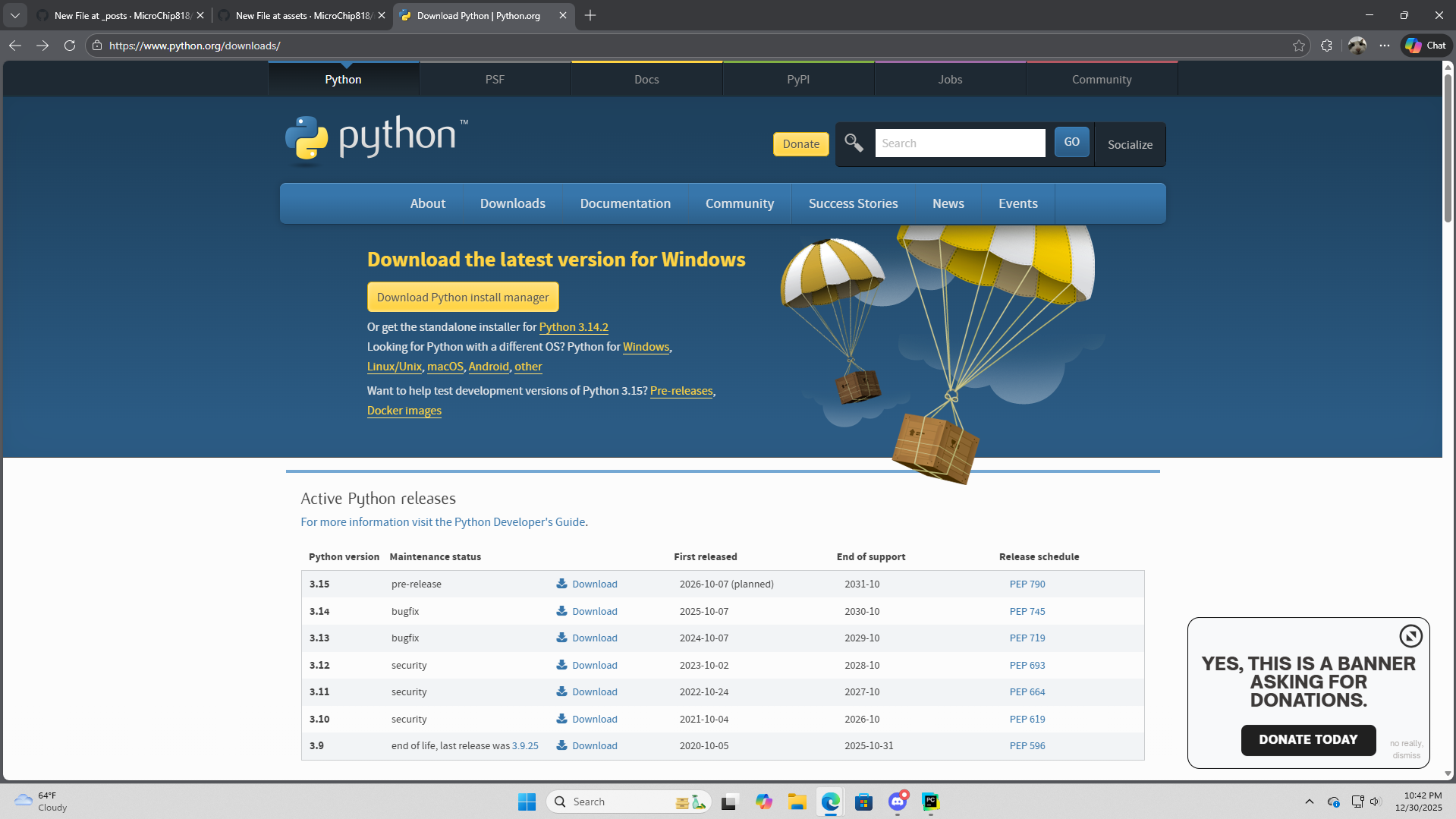
- Go to the Python official website. Here, you can find download links that support various operating systems, such as Windows, macOS, and Linux. You can select the appropriate download link based on your device and ensure you download the latest version. If downloading the install manager doesn’t work, simply use the standalone installer.
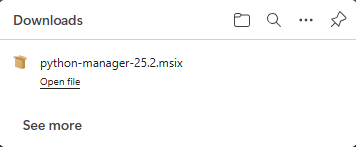
- In the “Downloads” tab of your computer, look for the newly installed Python installation manager or standalone installer. Click on the file to open it and follow the instructions to install the Python IDLE shell.
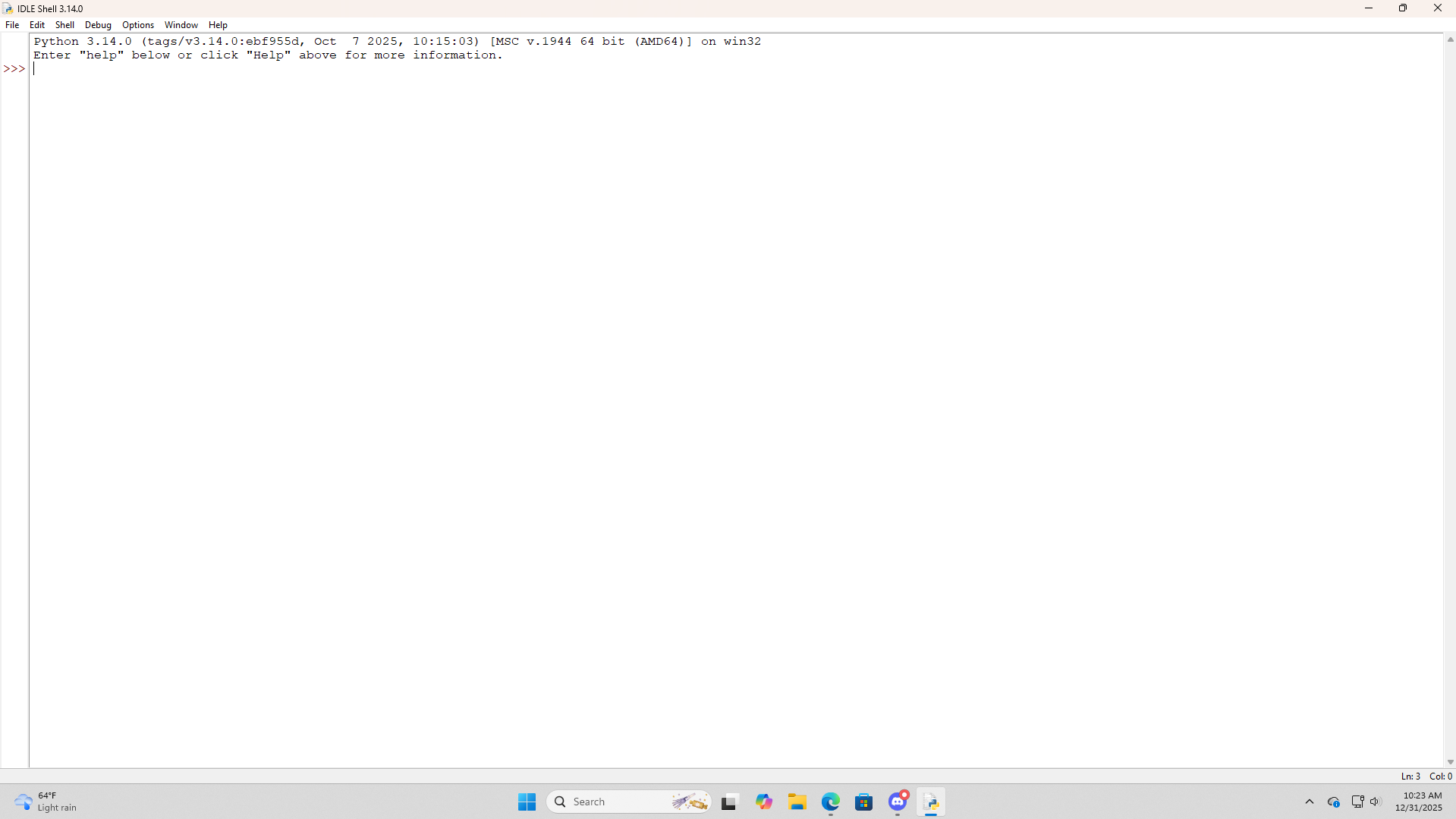
- Once you are done installing Python, open the IDLE shell. On Windows, go to the bottom search bar, then type IDLE. The IDLE shell should appear instantly.
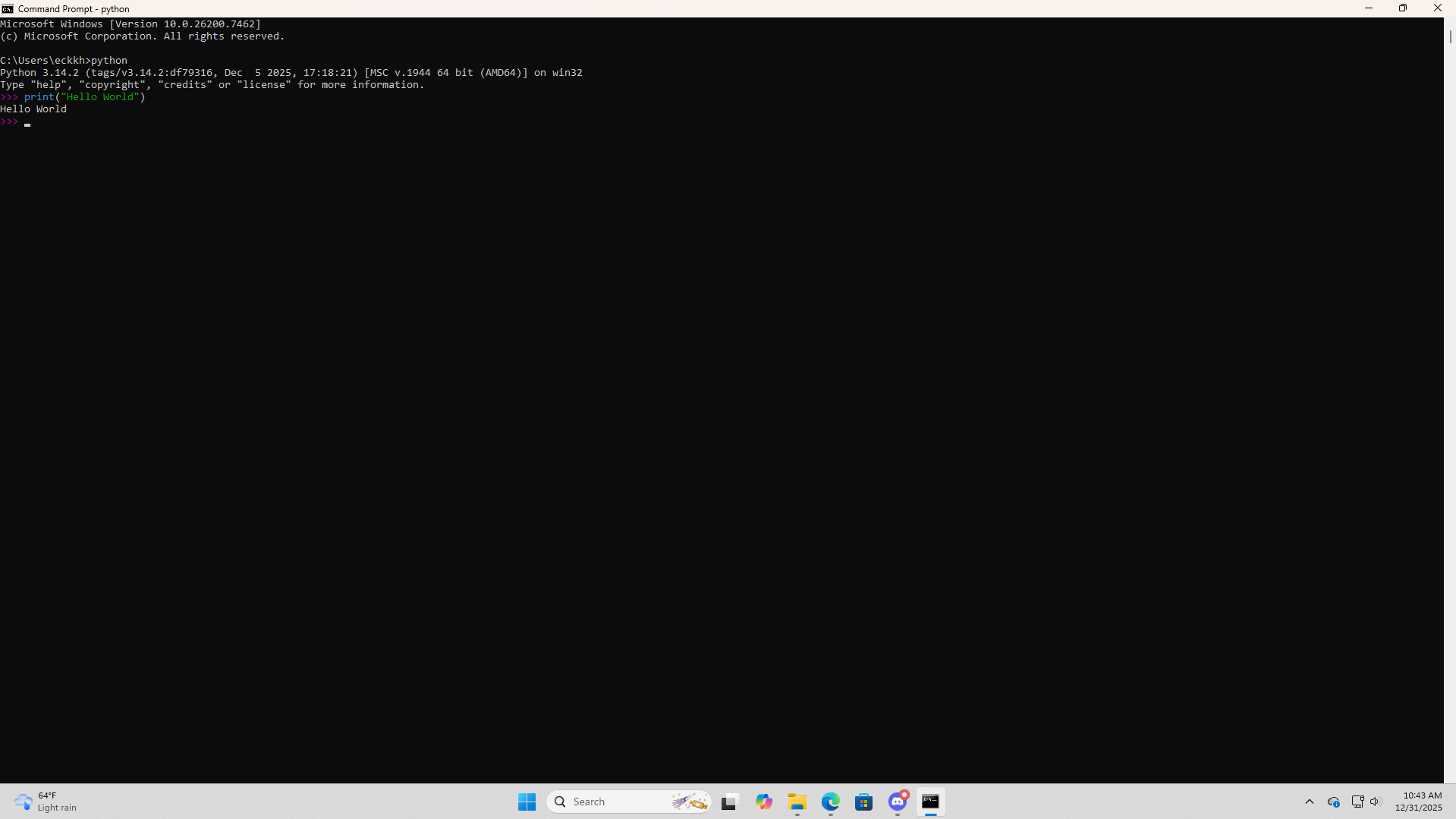
- To verify Python installation, open the Command Prompt and type in ‘python’, then enter. Type a script such as print(“Hello World”). If the script works by correctly displaying the text, then Python was successfully installed.
 What if a new version is released? Don’t worry! Simply use the Python install manager or installer to update Python to the latest version!
Final Thoughts
And there you have it! Please comment your thoughts and let me know if this guide helped you! Happy coding!
Comments